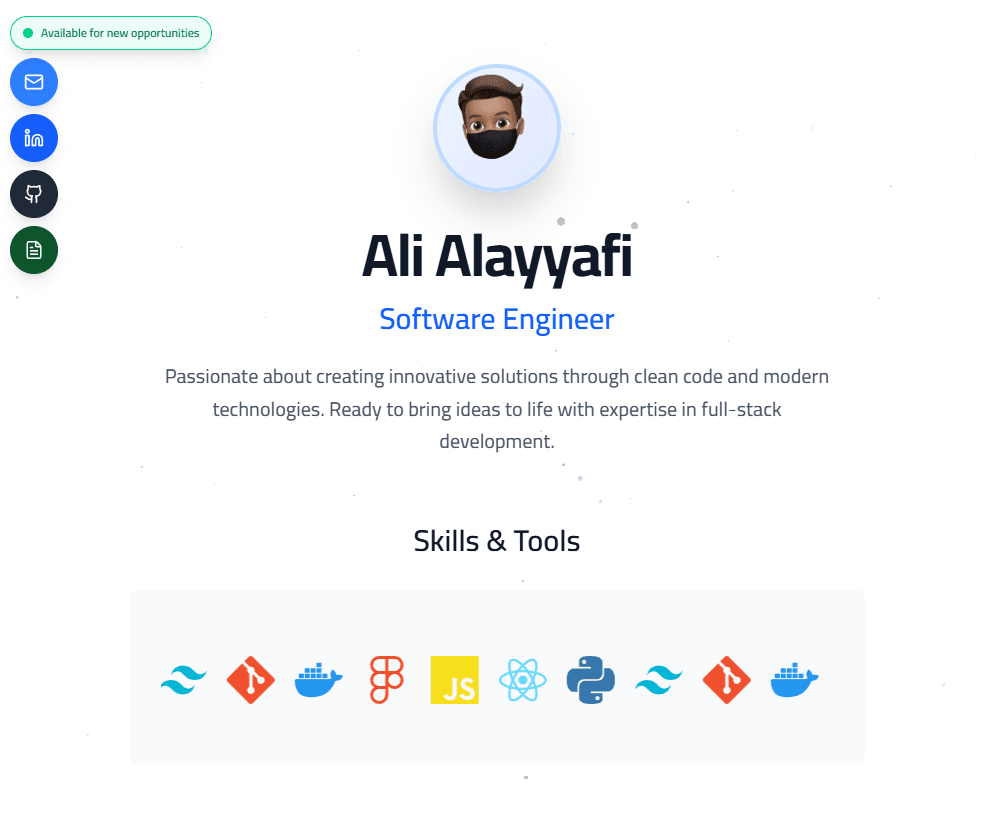
Modern Professional
FreeA clean, light-themed portfolio with particle effects and smooth animations
- Light Theme
- Particles
- Animated
- Responsive
The template collection
Portfolio website templates for projects, experience, and the work you want people to remember. Explore a live preview before you choose.
Create your portfolio9 designs · 2 free templates
A clean, light-themed portfolio with particle effects and smooth animations
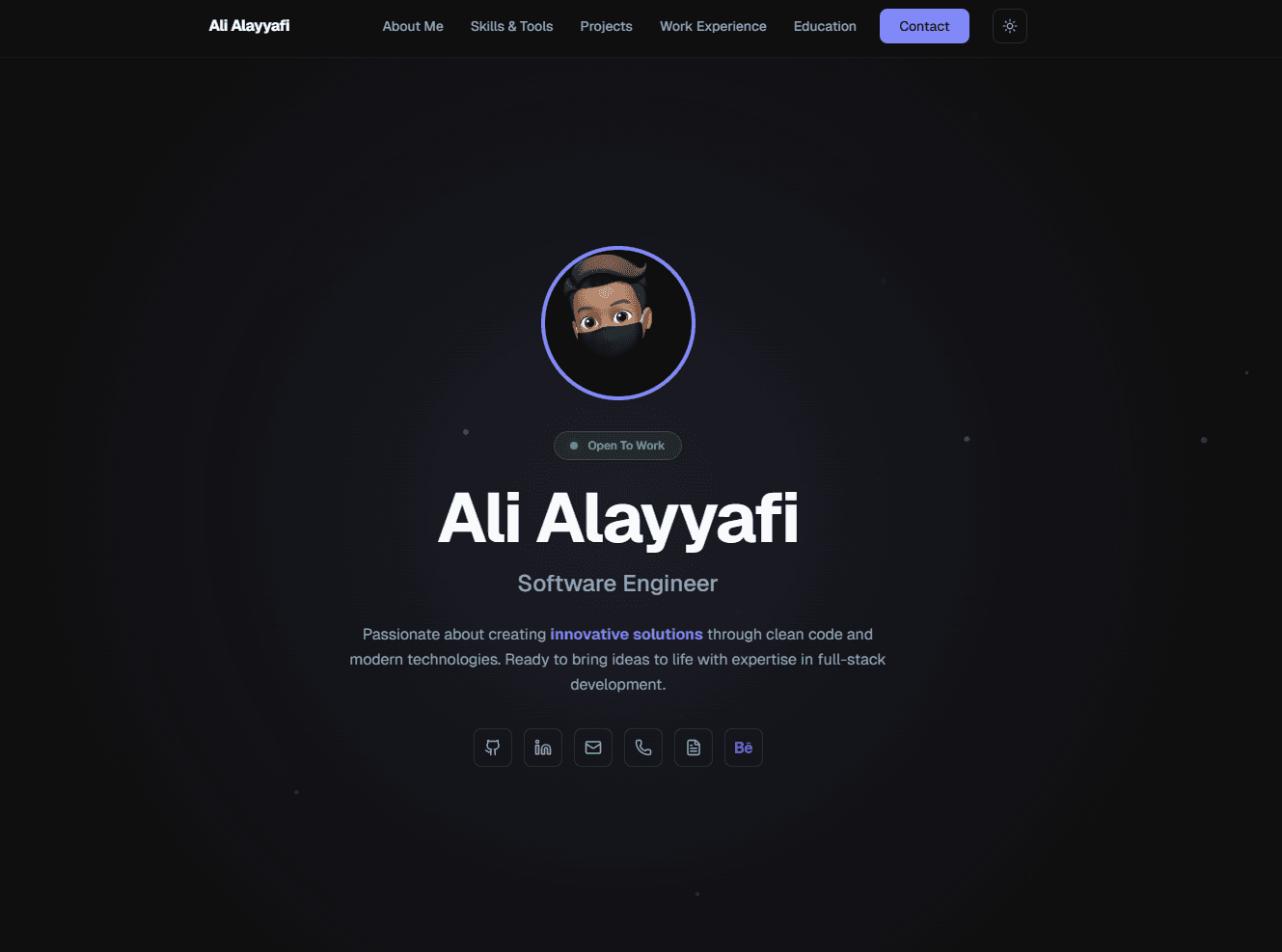
A minimal, elegant portfolio with smooth animations and a light/dark theme toggle
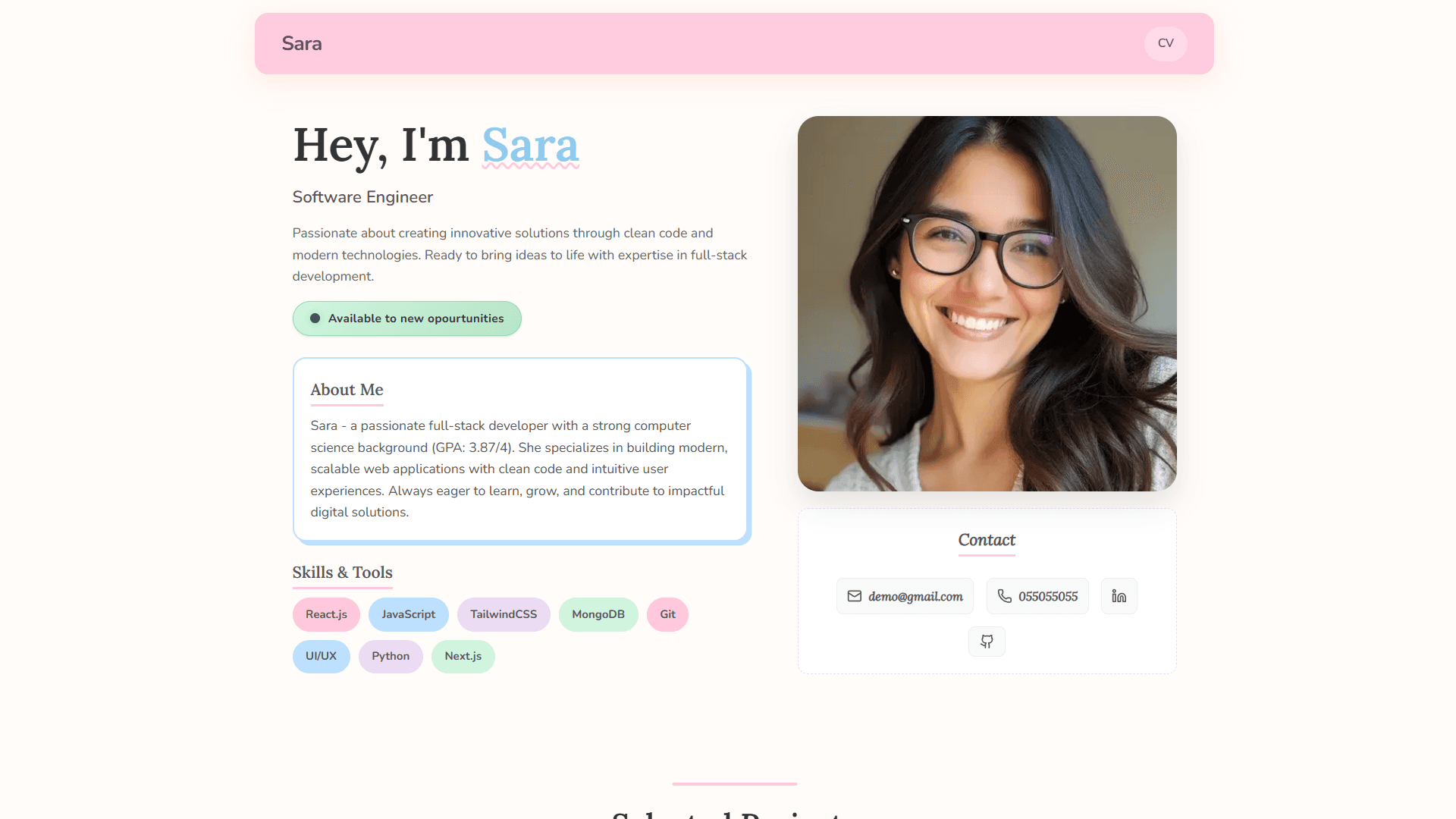
A warm, pastel-themed portfolio with floating header, skill widgets, and horizontal scrolling projects
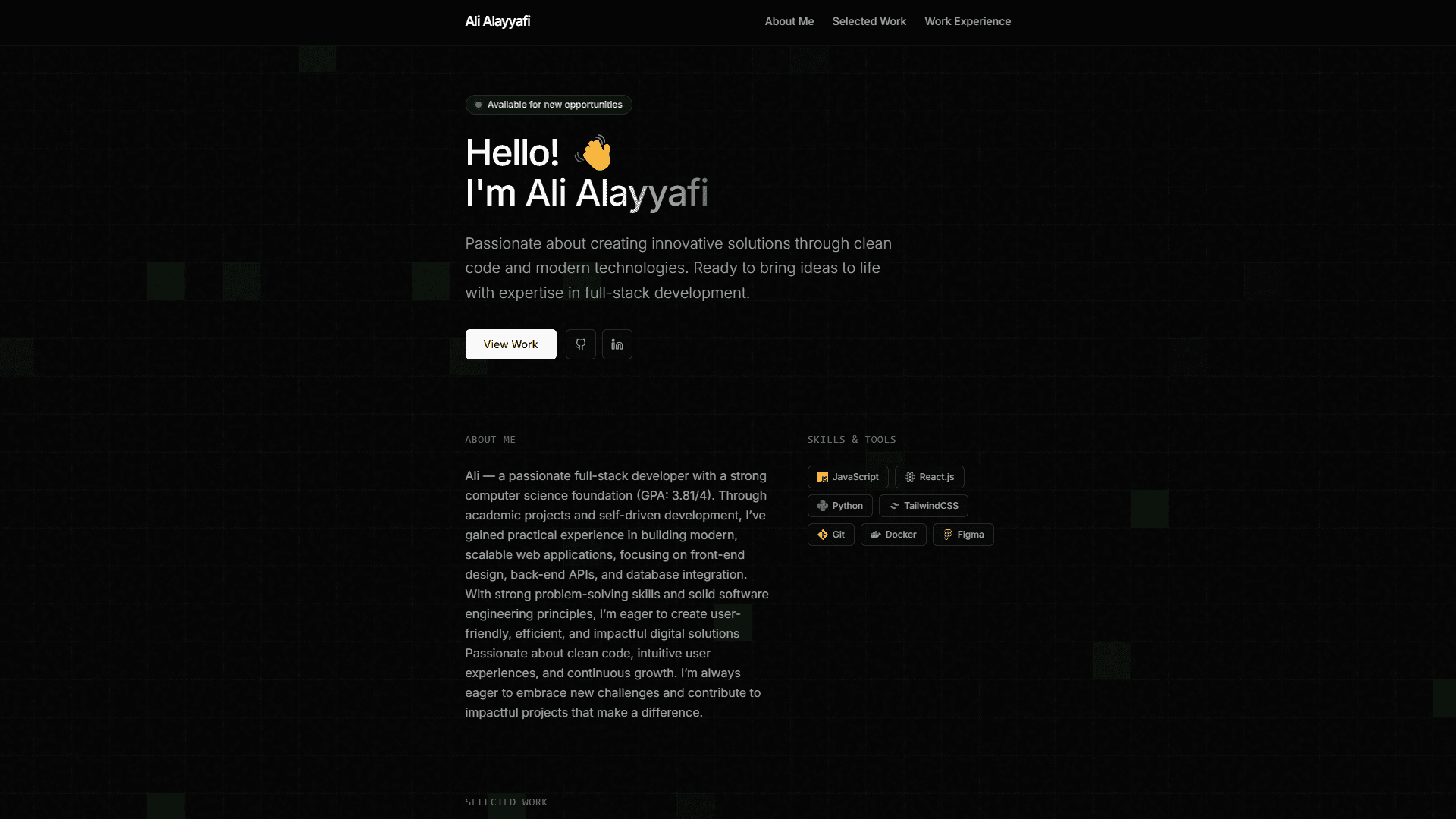
A sleek, dark minimal portfolio with flickering grid background, spotlight cards, and smooth blur-reveal animations
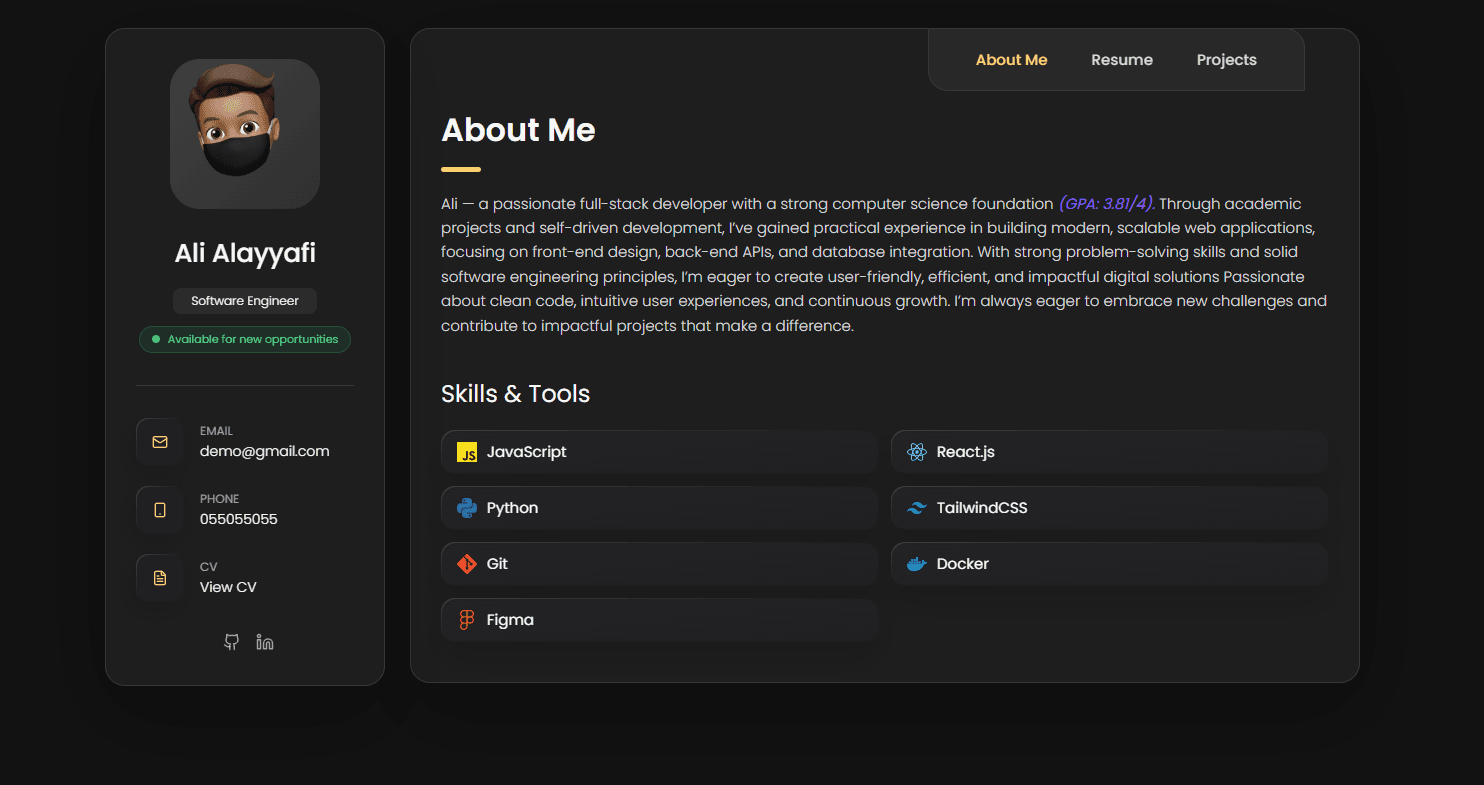
A classic dark portfolio with golden accents, sidebar card layout, and multi-page navigation
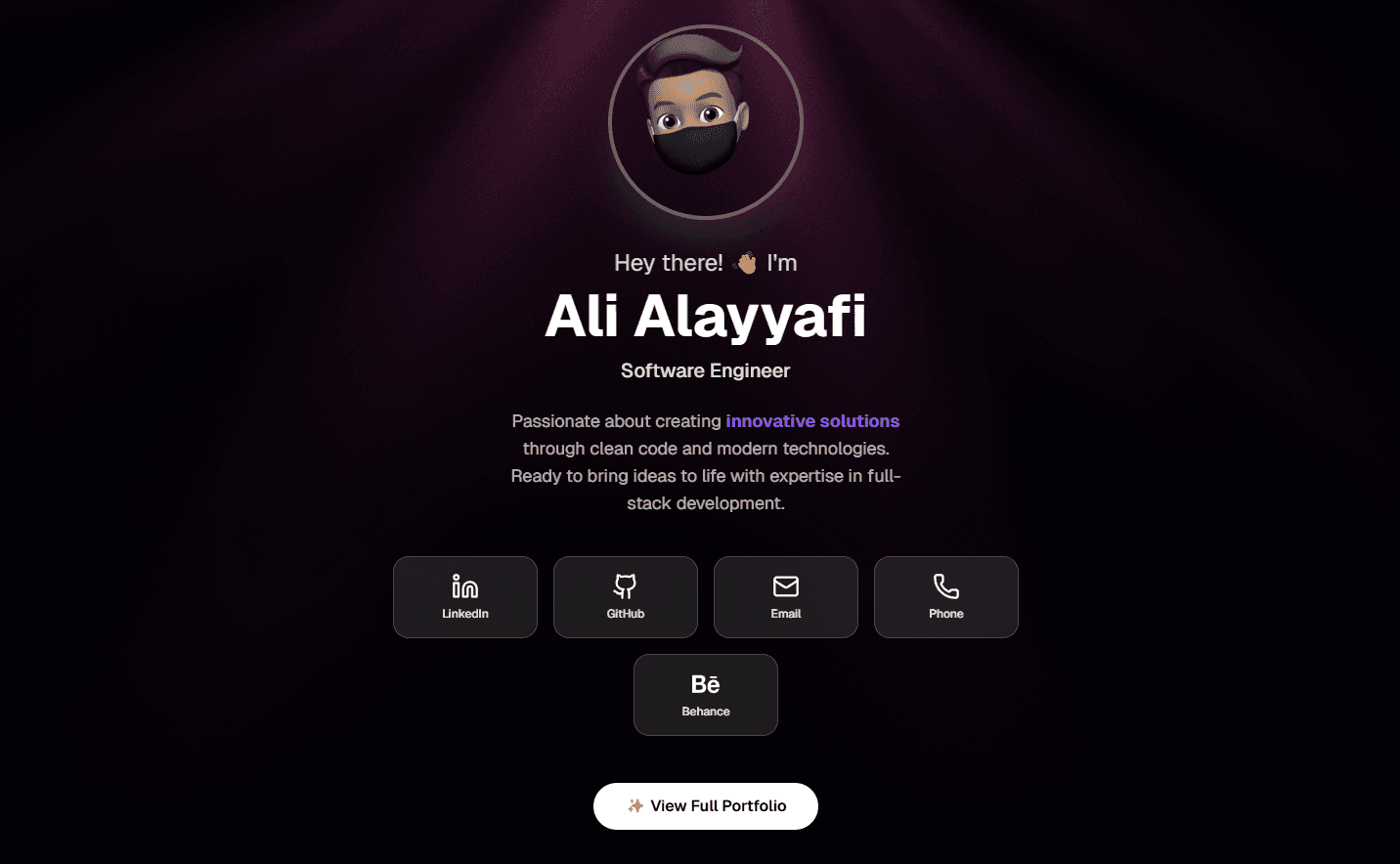
A dark minimal portfolio with WebGL light rays, two-view layout, and skills marquee
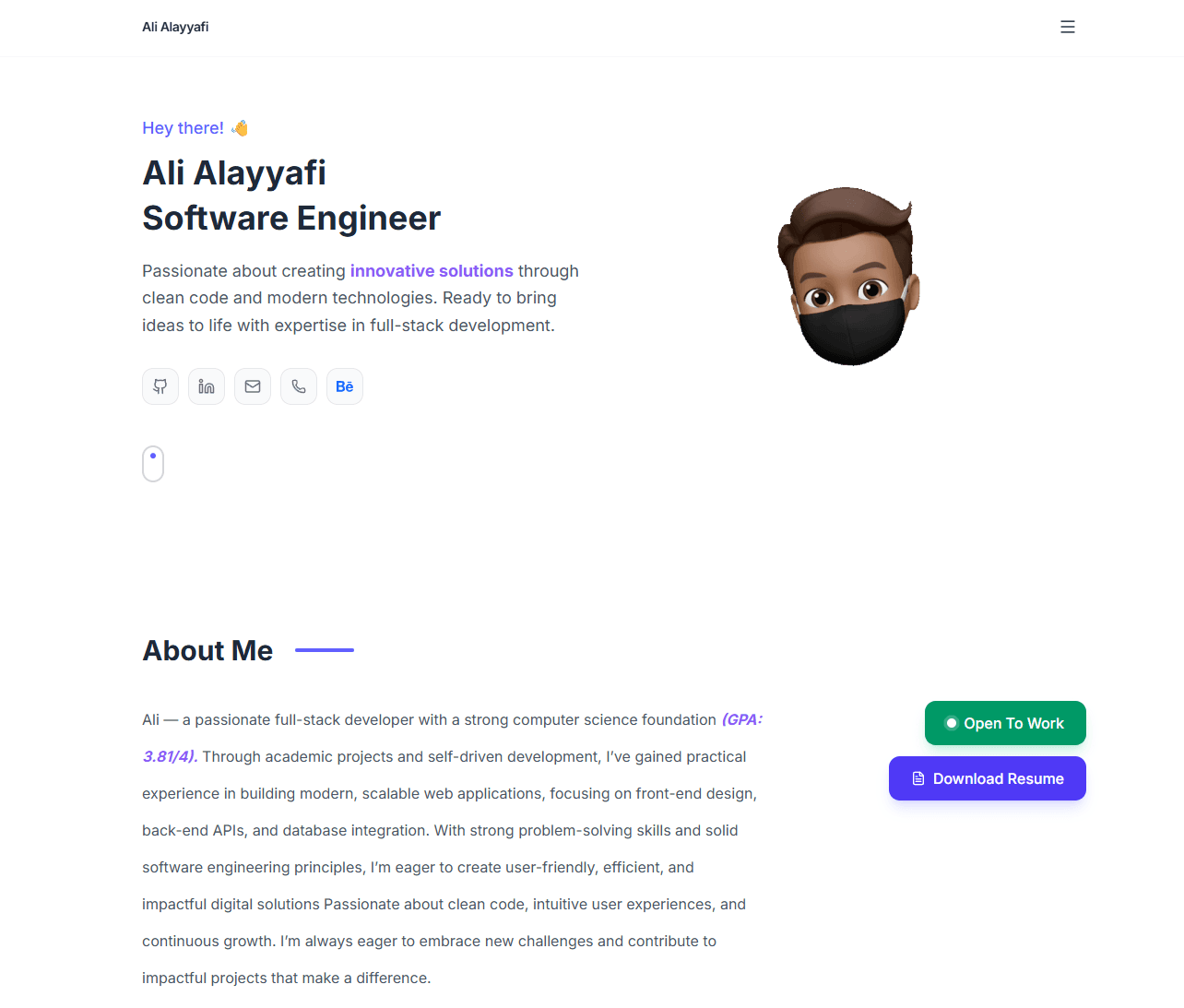
A bright, animated portfolio with indigo accents, smooth fade animations, reveal effects, and decorative patterns
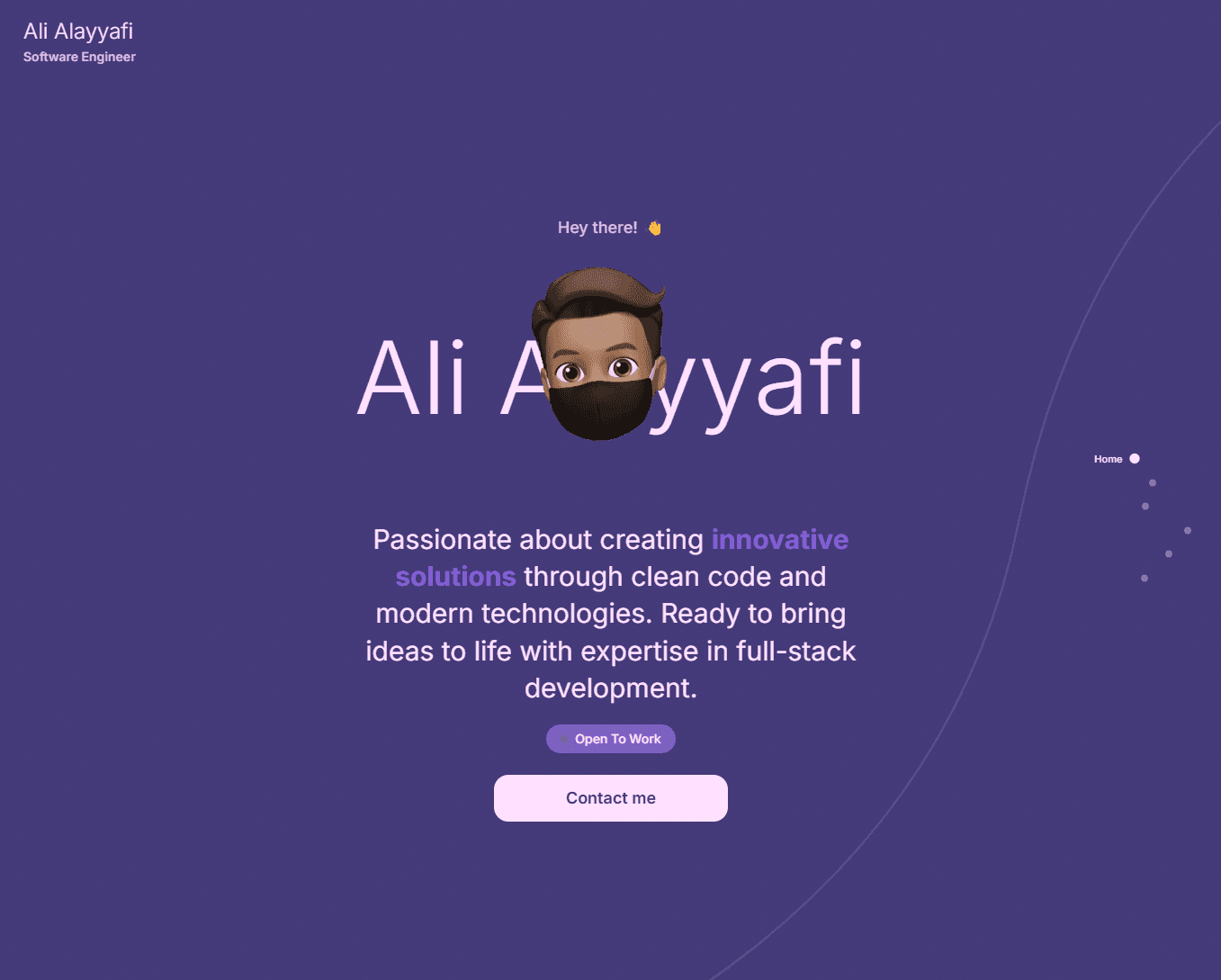
A bold, full-page scroll portfolio with color-shifting sections, animated curves, grain overlay, and bubble-text hover effects
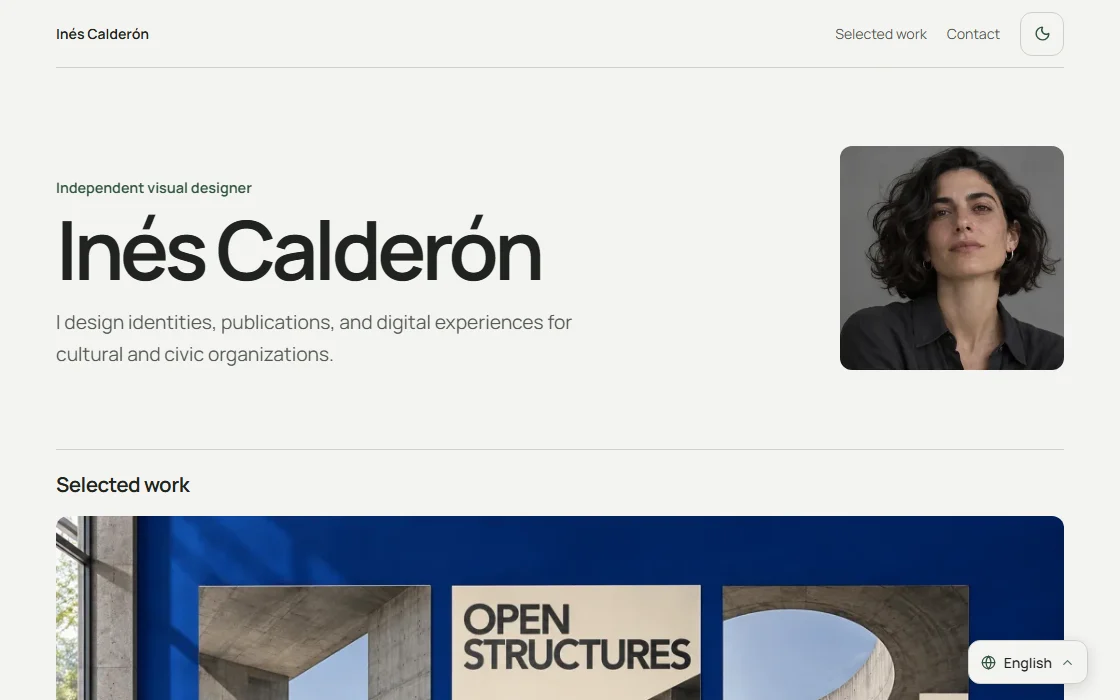
A quiet, image-led portfolio for designers and independent studios
Free templates stay available on the Free plan. Pro unlocks every template. Preview content is an example. Add your own projects and information.
Compare Free and ProFor image-led work, start with Stillframe or Pastel Portfolio. Preview the project layout with the kind of images you plan to share.
Try Modern Professional or Clarity for a simple presentation of your projects, skills, and experience. Both are included in the Free plan.
Explore the darker layouts and animated designs if they suit your work. Open the live preview on your phone as well as your desktop.
Add your content in the dashboard, then choose a template. You can switch between templates available on your plan without re-entering your portfolio information.
How to create a portfolio: a practical guide